Make yours.
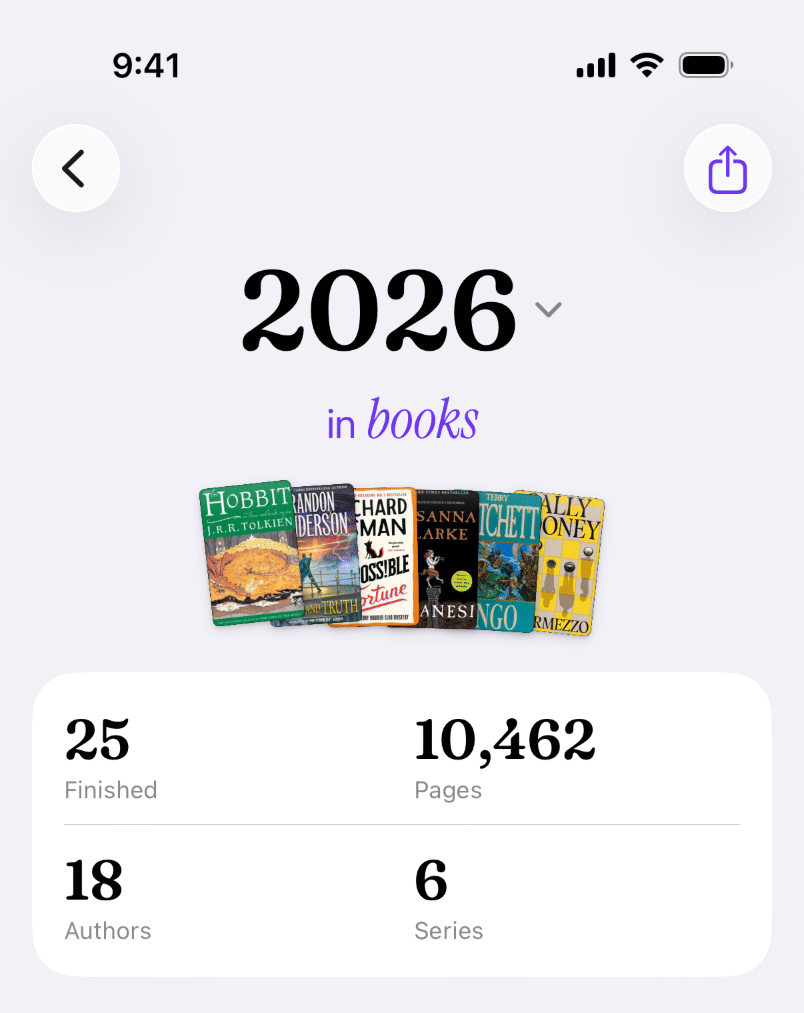
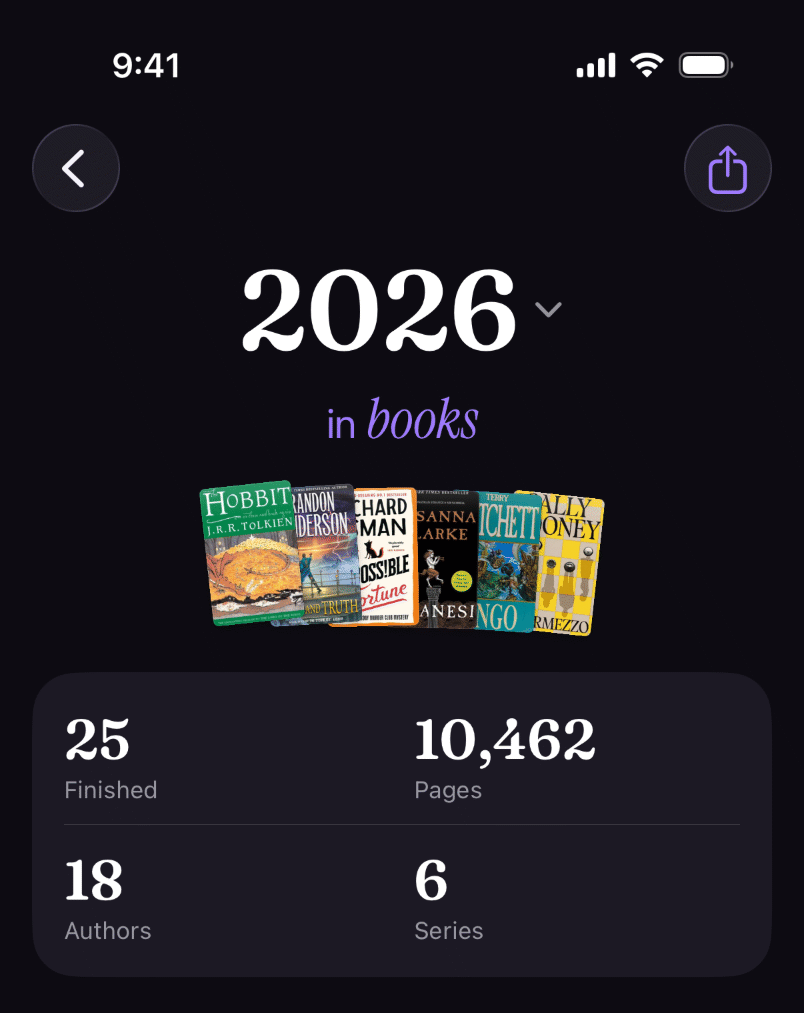
Bring your Goodreads history over and see every year you’ve read, as a picture to share.


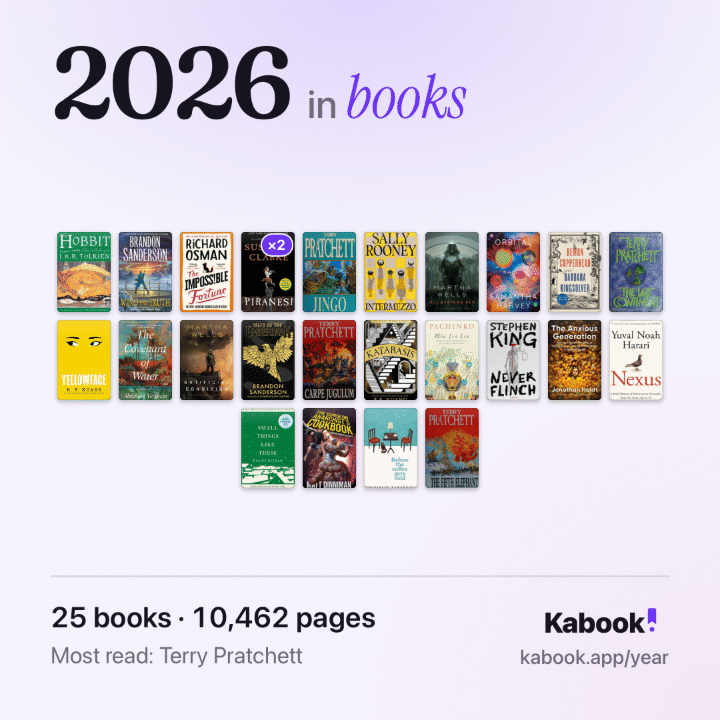
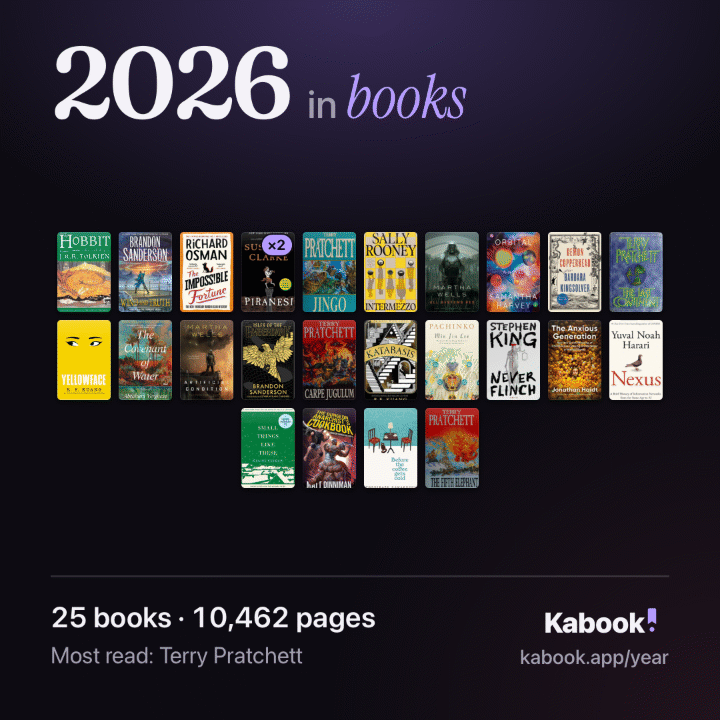
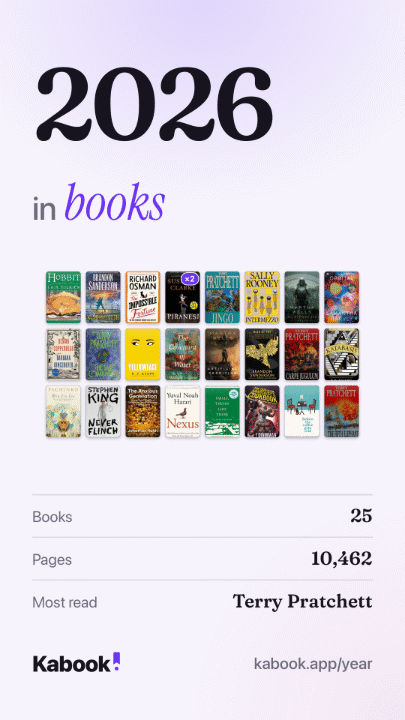
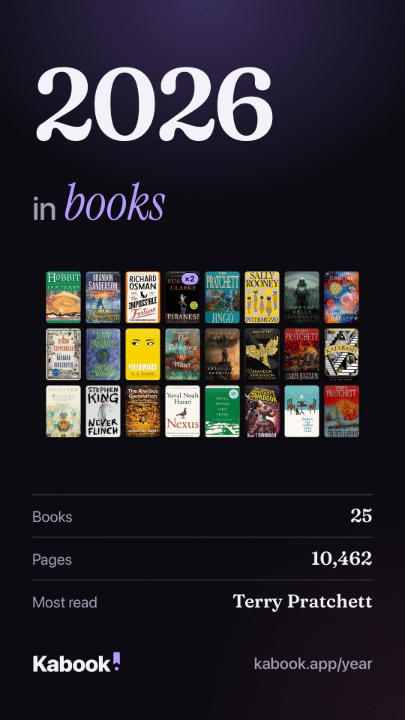
Your year, in full.
The picture is only the cover. Open any year in Kabook, this one or one from your Goodreads history, and the whole of it is there.
Free, for every year
-
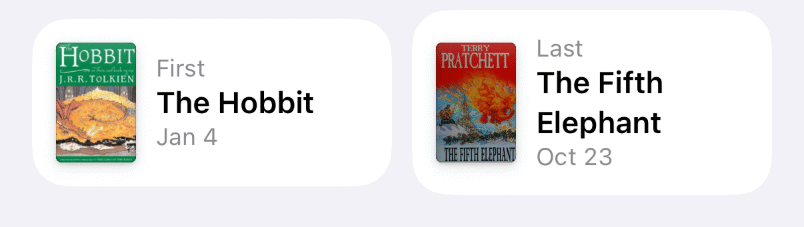
First and last
The book that opened your year and the one that closed it, each with its day.

-
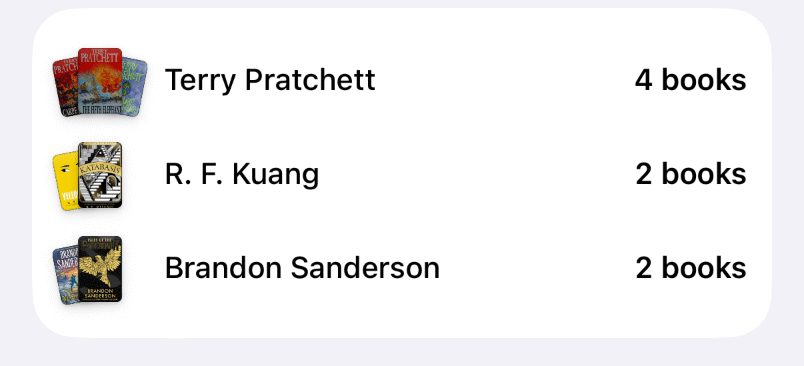
Most read
The three authors you read most, with their covers.

-
Stars
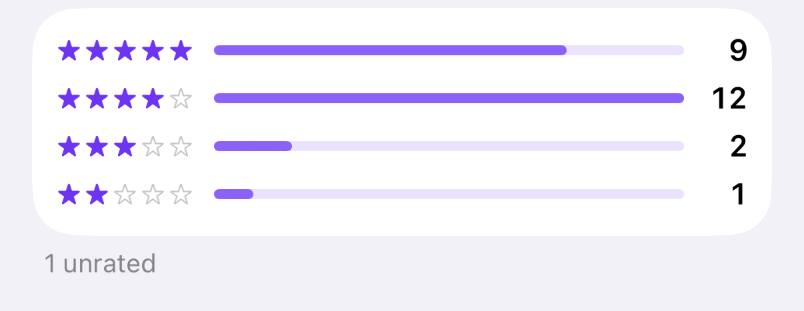
Every rating counted by its stars, and the books left unrated.

Kabook Plus
Month by month.
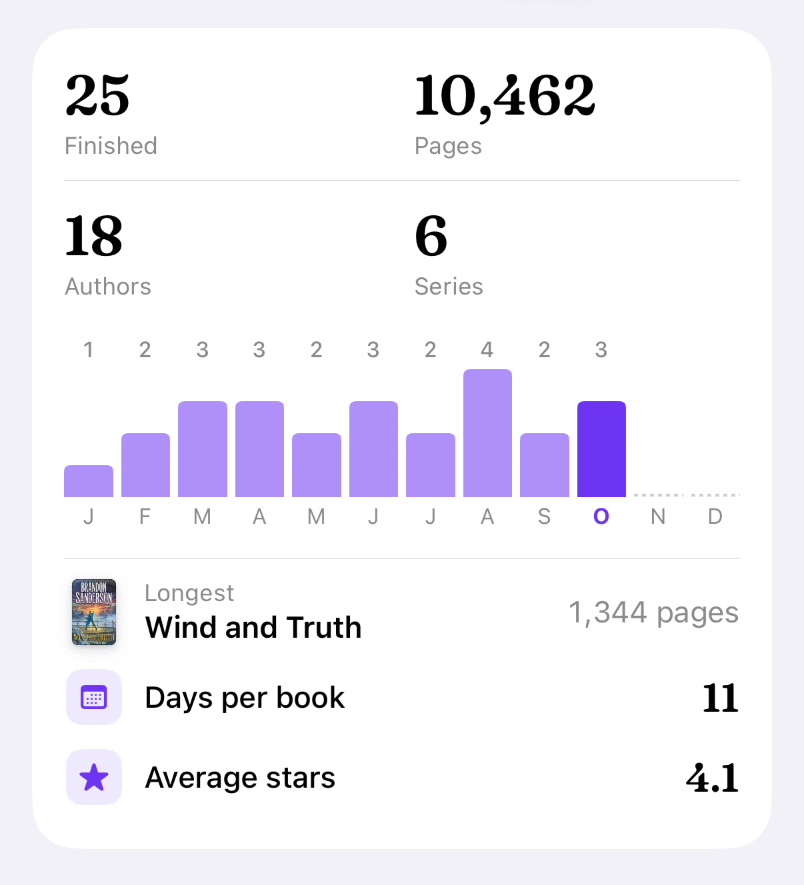
Plus adds the year’s months, its longest book, the days a book took you and your average stars.
- pages in the longest
- 1,344
- days per book
- 11
- average stars
- 4.1

Kabook Plus
And every year before it.
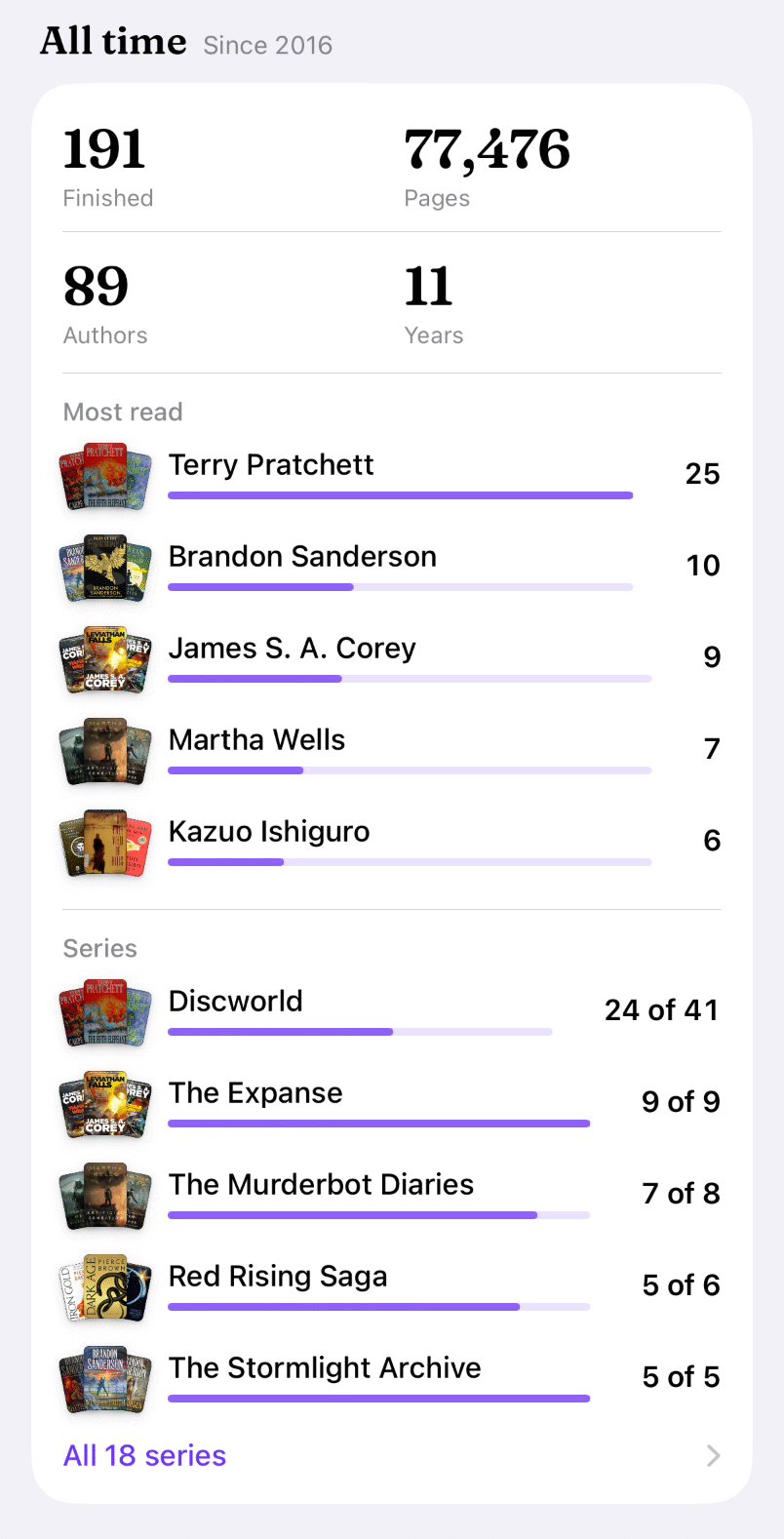
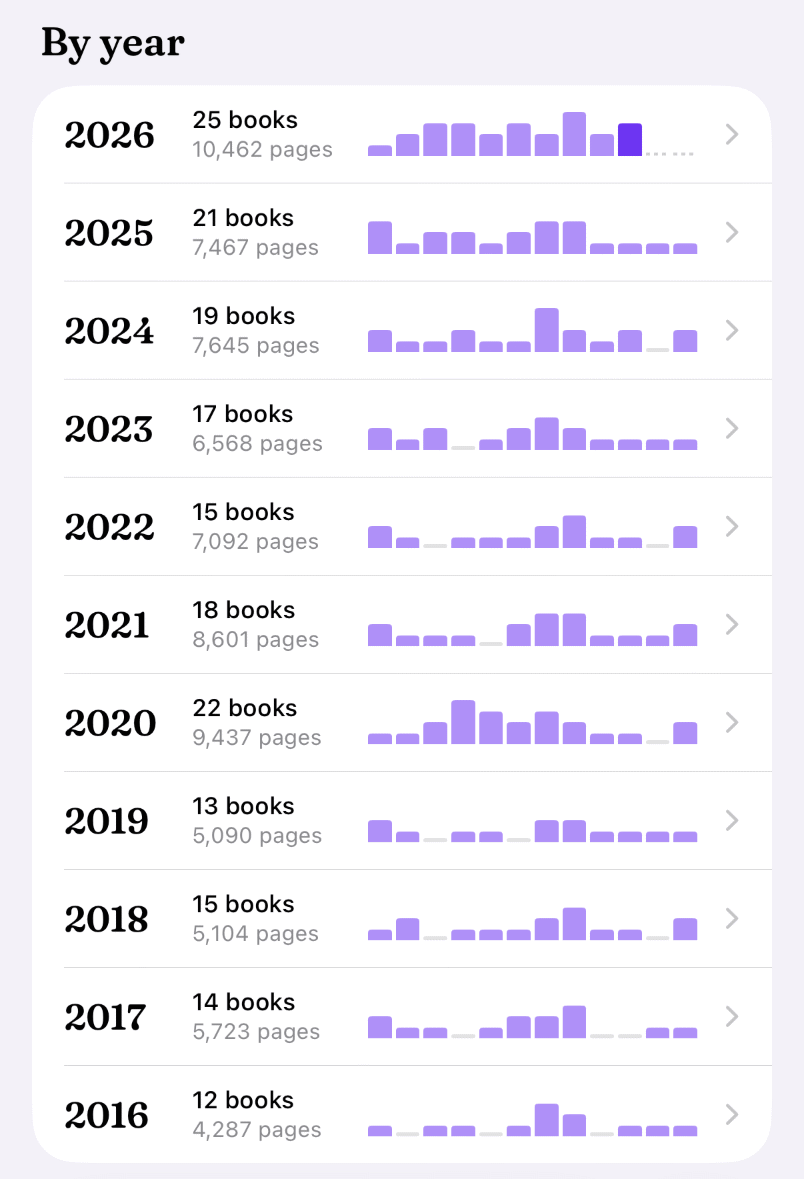
Bring a decade of Goodreads over and Your reading adds it all up: every book since your first year, the authors you keep going back to, and how far along each series you are.
All time, since 2016
- years
- 11
- books
- 191
- pages
- 77,476
- authors
- 89


Free, for every year
Its page and its picture, the past years too: books and pages, authors and series, the first and the last, the three you read most, your stars, and every book with the day you finished it.
Kabook Plus adds
Each year’s months, longest book, days per book and average stars; and in Your reading, all time and year by year.
Every year you’ve read, on day one.
-
1
Get Kabook
Free on iPhone, iPad and Android. No account needed.
-
2
Import from Goodreads
Goodreads makes your library into one file under My Books, Import and export; a big one takes it a few minutes. In Kabook, open Settings, then Import from Goodreads, and pick it.
-
3
Open Your reading
Each book lands in the year of its Date Read. Your reading, on the Reading tab, has every year since your first, and each one’s Share image.
Your whole reading life.
Kabook keeps the books you want to read, the one you’re reading, and every one you’ve finished, on your phone.
- Wish list
- Reading
- Finished